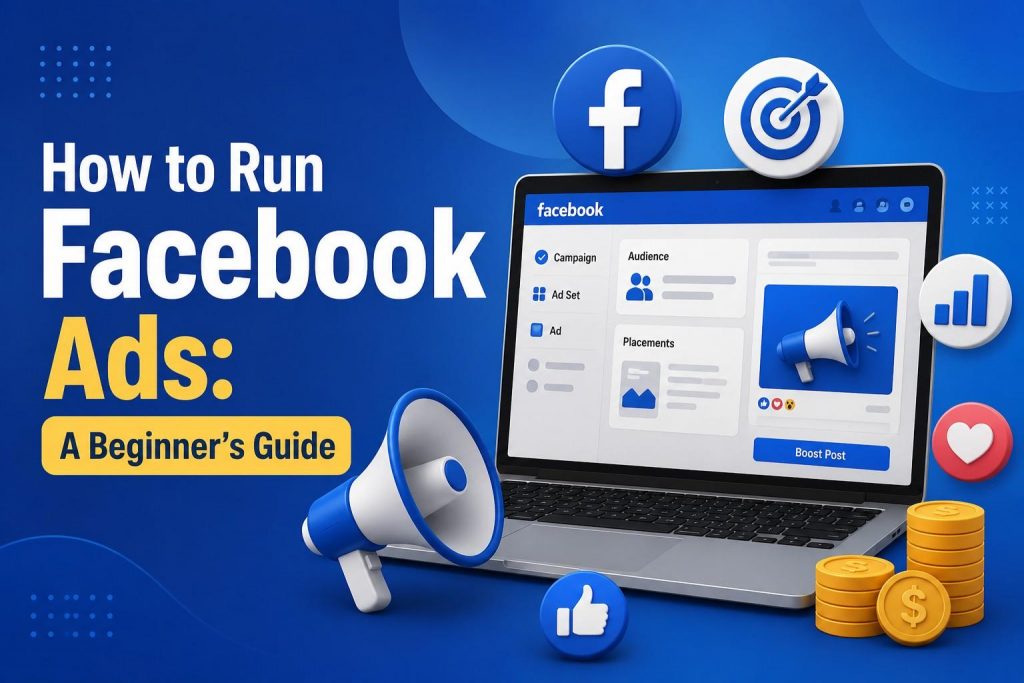
Running Facebook ads can feel like being handed the keys to a rocket ship without an instruction manual. Sure, it’s exciting but also terrifying if you’ve never flown one before. With nearly 3 billion people using Facebook every month, the opportunity is massive. The trick is learning how to steer that rocket without crash-landing your budget.
This guide will walk you through the basics, step by step, with a little humour to keep you awake along the way.
Step 1: Set Up Shop
Before you can launch an ad, you need the right foundation:
- Business Manager account: This is mission control. All your campaigns, billing, and permissions live here.
- Link your Facebook Page + Ad Account: Makes your ads look legit (and not like a random spammer with a cat meme for a profile pic).
- Install the Facebook Pixel: A tiny code snippet that tells you what people do after they click. Like having night-vision goggles for your marketing.
Not a fan of tinkering with code? A local Facebook marketing agency can set this up in their sleep.
Step 2: Pick Your Objective
Facebook wants to know your mission before you launch. It’s like choosing a GPS destination. Three main categories:
- Awareness: “Hey, we exist!” Great for brand-new businesses.
- Consideration: “Come check us out.” Clicks, engagement, leads, or app installs.
- Conversion: “Buy now.” For sales, sign-ups, or downloads.
Pick wisely. If your goal is sales but you choose “awareness,” Facebook will happily show your ad… to people who never buy anything.
Step 3: Target Like a Pro
Facebook’s targeting options are both a blessing and a curse. Done well, you look like a genius. Done poorly, you’re shouting into the void.
- Core Audience: Demographics, location, interests. Simple, solid.
- Custom Audience: Retarget folks who already visited your site. (The marketing version of a polite “Hey, remember us?”)
- Lookalike Audience: Facebook clones your best customers and finds more like them. Scary accurate.
Avoid “target everyone.” Unless you sell air, not everyone needs what you’re offering.
Step 4: Learn the Campaign Structure
Think nesting dolls:
- Campaign: Your objective.
- Ad Set: Who you’re targeting, where ads show up, budget, and schedule.
- Ad: The creative itself (copy, images, CTA).
Don’t cram all your eggs into one ad set. Run a couple side by side so you know what’s working instead of just hoping.
Step 5: Create Ads People Actually Notice
Your ad is fighting for attention in a feed full of dog videos and vacation pics. You need to stand out.
- Compelling visuals: Crisp photos or snappy videos.
- Concise copy: Say what’s in it for the user, quickly.
- Strong CTA: Tell them exactly what to do next (“Shop Now” beats “Learn More About Our Award-Winning Heritage Process…”).
- Consistency: Match your brand style so people recognise you instantly.
Pro tip: Test variations. The “boring” ad you almost didn’t publish? Sometimes that’s the one that crushes it.
Step 6: Watch the Numbers
Metrics aren’t just vanity stats. They’re the difference between scaling a winner and killing a dud. In Ads Manager, track:
- Impressions: How many times your ad was shown.
- Reach: How many unique eyeballs saw it.
- CTR: Click-through rate — are people actually interested?
- Conversion rate: Did they take action?
- Cost per result: How much each click or sale costs you.
Don’t just set and forget. Ads need babysitting, at least in the first few days.
Step 7: Optimise and Scale
Found an ad that works? Great. Now don’t double the budget overnight. Facebook’s algorithm is like a grumpy cat; sudden changes freak it out.
- Increase spend gradually.
- Refresh creatives regularly to prevent ad fatigue.
- Narrow targeting if you’re wasting clicks.
Scaling is a slow build, not a sprint.
Step 8: Dodge Beginner Pitfalls
Some rookie mistakes to avoid:
- Targeting way too broadly.
- Using blurry images or text walls.
- Ignoring performance data (aka “flying blind”).
- Overspending without testing.
- Overcomplicating campaigns before you master the basics.
Think of Facebook ads like cooking. Start with a simple recipe, then experiment once you’ve nailed the basics.
Step 9: Budget Smarter, Not Harder
Facebook lets you set daily or lifetime budgets. A few quick tips:
- Start small — test with $5–10/day.
- Allocate per ad set to compare performance.
- Use automatic bidding until you’re more advanced.
- Keep a close eye in the early days — your money can disappear faster than you think.
Remember: ads are an investment, not a slot machine.
The Big Picture
Running Facebook ads is part art, part science. You need the right setup, clear objectives, sharp targeting, and scroll-stopping creative. Then it’s all about testing, tweaking, and scaling.
If it feels overwhelming, that’s normal. You can DIY and learn as you go, or let a pro agency handle the complexity while you focus on running your business. Either way, the sooner you start, the sooner you’ll learn what works for your brand.
Because the truth is, your competitors are already running ads. The question is, are you ready to join them?


More Stories
The Growing Importance of Backend Optimization in Websites
Mobile Apps Become a Growing Part of Modern Digital Marketing Strategies
How to Choose the Best SEO Company in Singapore for Your Business