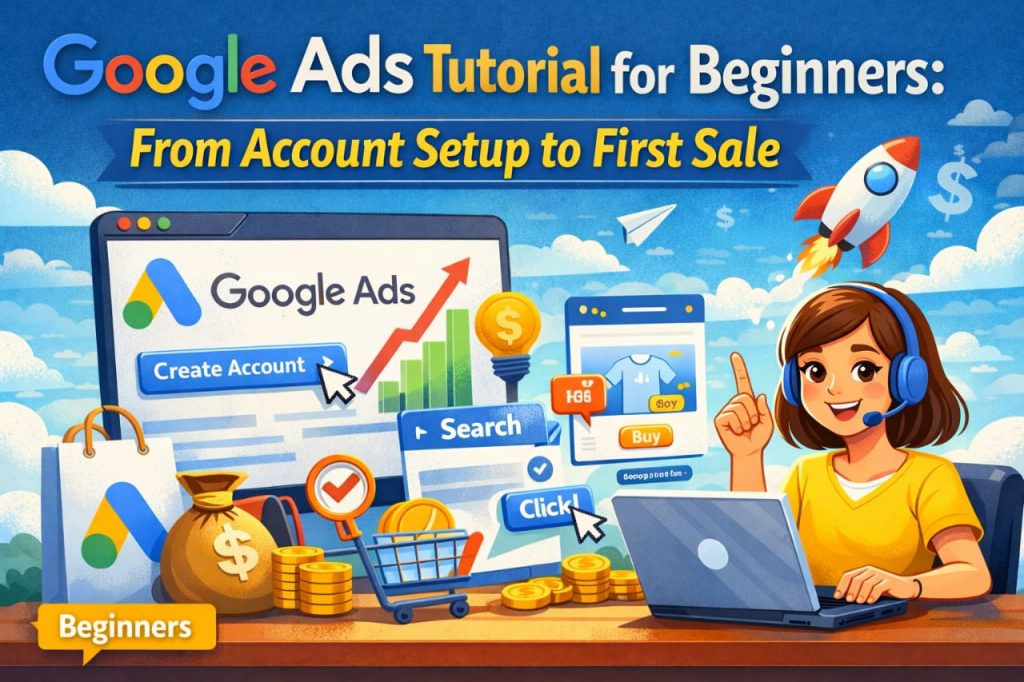
Google Ads for Beginners: Google Ads Your Fast Track to First Sales
Ever wondered how businesses magically appear at the top of Google search results seemingly effortlessly capturing new customers? The secret weapon for millions of businesses, from local services to global e-commerce giants, often is Google Ads.you If’re a digital marketing learner an aspiring ecommerce owner,or a service business looking to expand your reach mastering Google Ads is no longer optional – it’s essential .
But let’s be honest the platform can look intimidating. Don’t worry , this beginner’s guide is designed to demystify Google Ads walking you through the steps crucial account from setup to making your very first sale .
Step 1: Laying the Foundation – Setting Up Your Google Ads Account
Your journey begins at ads.google. com . When prompted , choose “Switch to Expert Mode. ” While the guided setup seems easier Expert Mode gives you more control from the get-go which you’ll appreciate later. Fill in your basic business information billing details and you’re officially in !
Step 2: Finding Your Customers – Keyword Research Basics
Keywords are the backbone of your Google Ads success.These are the words and phrases your potential customers type into Google when searching for products or services like yours.
Think Like Customer Your: What would *you* type into Google if you needed what you offer ?* Use the Google Keyword Planner: This free tool (accessible within your Google Ads account) helps you discover new keywords ,analyze their search volume and estimate costs .* Start with Specificity: For beginners, focus on “long-tail keywords” – more specific phrases (e.g. , “plumber emergency Sydney” instead of just “plumber”).They often have less competition and higher intent making your ad spend more efficient.
Step 3: Structuring for Success – Campaigns & Ad Groups
Think of your Google Ads account like a well-organized library:
Campaigns: These are your main sections (e. g.”Winter Collection Sales” “Local Plumbing Services”) . Each campaign has its own budget geographic targeting and bidding strategy.* Ad Groups: Within each campaign you create Ad Groups.These are like specific shelves on a library section .Each Ad Group should contain a tightly themed set of keywords and corresponding ads (e. g. , in a “Winter Collection Sales” campaign you might have Ad Groups for “Women’s Winter Coats” “Men’s Winter Boots,” etc.). The key relevance is.
Step 4: Crafting Ads That Convert
This is your where message comes to life ! Your ads are what people see on the search results page .
Compelling Headlines (max 30 characters each): Grab attention and include your primary keyword. Highlight a benefit or solution.* Detailed Descriptions (max 90 characters each): Elaborate on your unique selling propositions . What makes you stand out ? What problems do you solve?* Clear Call to Action (CTA): Tell people what to do next: “Shop Now, ” “Get a Free Quote” “Book an Appointment, ” “Learn More . “* Ad Extensions: Don’t forget these! Sitelink extensions (links to specific pages) , callout extensions (additional features) and call extensions (phone number) give your ad more real estate and utility.
Step 5: Your Sales Hub – Optimizing Your Landing Page
Sending traffic to a poorly designed or irrelevant landing page is like pouring water into a leaky bucket. Your landing page (where people land after clicking your ad) must:
Be Highly Relevant: The content should directly match the ad’s message and keywords.* Have a CTA Clear: Make it for easy visitors to take the next step.* Load Quickly: Users are impatient.* Be Mobile-Friendly: Most searches happen on mobile devices .
Step 6: Smart Spending – Budgeting & Bidding
You don’t need a huge budget to start .
Set a Daily Budget: Decide how much you’re comfortable spending per day. Google will try not to exceed this .* Bidding Strategy: For beginners start with Manual CPC (Cost-Per-Click). This gives you direct control over how much you’re willing to pay for each click . As you gain experience you can explore automated strategies like “Maximize Conversions.”
Step 7: Monitor Analyze , Optimize – The Continuous Cycle
Ads Google isn’t a “it set and forget it” platform . To achieve your first sale and beyond , you must:
Performance Monitor: Regularly check your clicks , impressions click-through rate (CTR) , and most importantly,conversions.* Add Negative Keywords: Identify search terms that are irrelevant to your business and add them as negative keywords to prevent your ads from for showing them, saving you money.* Refine Ad Copy: A/B test different headlines and descriptions see to what resonates best with audience your.* Adjust Bids: Increase bids for high-performing keywords decrease and them for underperforming ones .
Your First Sale Awaits !
Google Ads can seem complex , but by focusing on these fundamental steps you’ll build a solid foundation. The best way to learn is doing by. Start small experiment, monitor your results and iterate.Before you know it you’be ll celebrating your first sale and then many more as you the master and art science of Google Ads. luck Good !


More Stories
What Makes a Gojek Clone App Different from Other Multi-Service Apps?
How to Choose the Best SEO Company in USA for Your Business
Uber Clone Web Booking vs Mobile App Booking: Which Is Better?